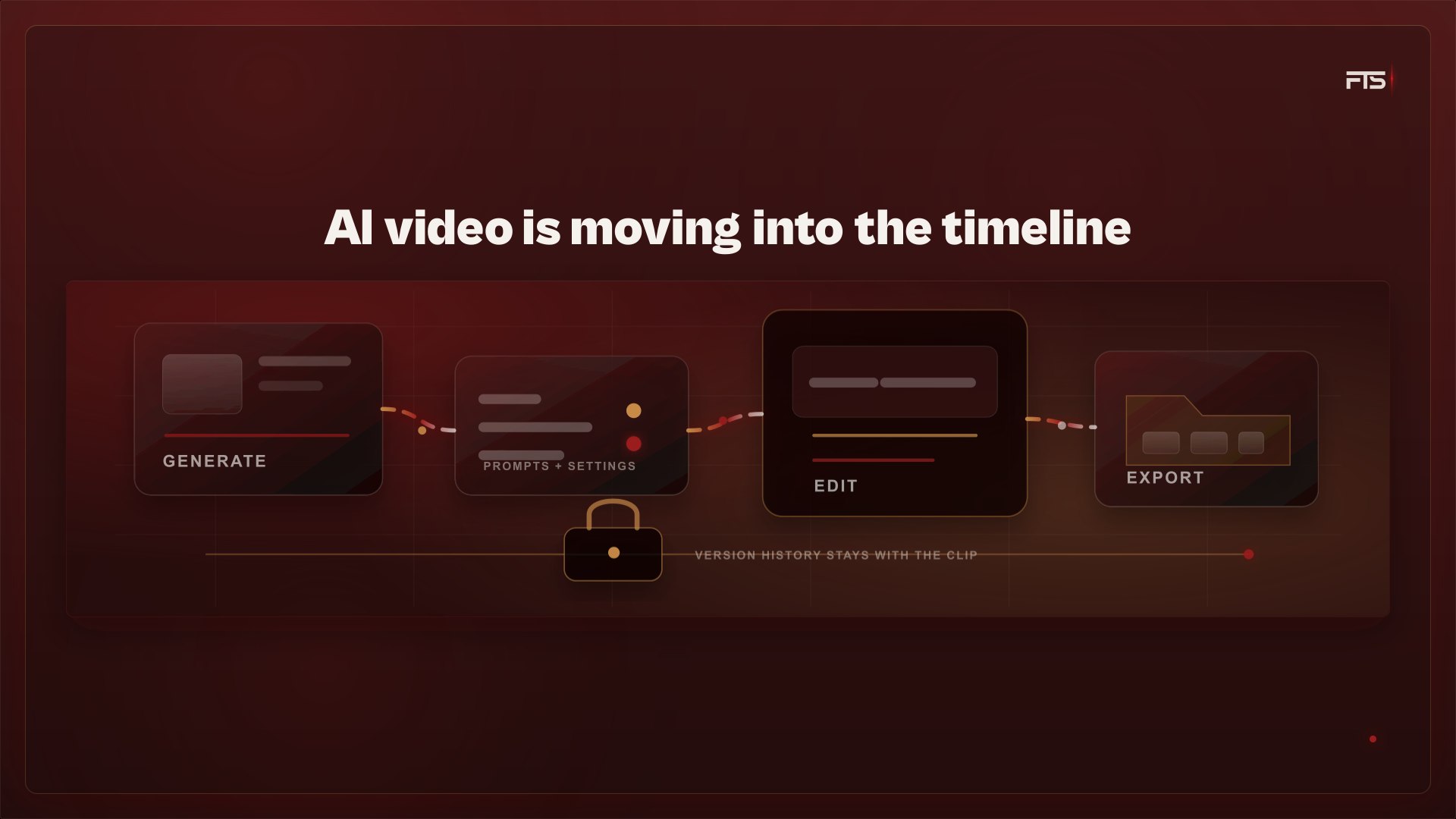
Making short AI video clips has been possible for a while. The workflow around those clips is now changing. Palmier is a useful signal for where the category is going, and today it does not run on Windows.
The launch
According to Palmier's public material, the company is backed by Y Combinator and has released a video editor built around AI. Most AI video tools make a clip in a browser, then the user downloads it and imports it into Premiere or CapCut.
Palmier's described workflow keeps generation inside the editing timeline. Each clip keeps its generation context, including the prompt and settings that produced it, so the operator can change or redo it without leaving the project. The editor is free, and AI generation is paid.
Workflow friction
That friction is easy to recognize. A clip gets made in one place and edited in another. If it comes out wrong, the operator downloads another version and tries to remember which file came from which prompt.
Palmier's bet is clear: the editor should be the project home for generation, editing, and version history. That is a sensible direction. Treating generated clips as project assets instead of loose files makes the work easier to review and repeat.
That matters for the kind of connected commercial engine small businesses actually need. Creative assets are more useful when the idea, prompt, file, edit, and campaign context do not get split across five places.
The Mac-only constraint
Palmier requires macOS 26 Tahoe on Apple Silicon. If you are on Windows, as a lot of businesses are, there is no version for you today. A number of strong new creative tools launch on Mac first, or only, which leaves Windows users piecing together web generators and their normal editor by hand.
It is also early. By the company's own account it does not yet match established editors on basics such as effects and color grading. The generation is paid and closed, even though the editor itself is open. So this is a young product showing a good idea, not a finished replacement for how you already work.
Useful next step
If you already turn images into short video, keep your current setup. Nothing here is good enough yet to justify changing it, and certainly not enough to justify buying a Mac. The direction is worth watching because it tells you what to expect from the tools you do use. Editors that keep generation, editing, and version history in one place are where this is going. The ones that make you jump between five tools will start to feel slow.
For businesses thinking about video, the practical order has not changed. Get the idea right first, then make a few strong still images and turn those into short clips. Edit them in whatever you already run on Windows. Keep every prompt and file together so you can find them again. That gives you much of what these new tools promise, using software you can open today.
When a version of this runs on Windows without the price of a new computer, it will be worth a proper look.